User & Phonebook Management for Mission-Critical Communication System
User & Phonebook Management (UPM) centralises phonebook management and the functional behaviour of users and devices across the MCCS, streamlining configuration system-wide.
Central configuration for every control room
MCCS UPM brings numbers, phonebooks, hotkeys and console settings together in one web application. Changes are prepared per location, reviewed per category and rolled out through a controlled release and import process, so operations stay up and running.
Key Features
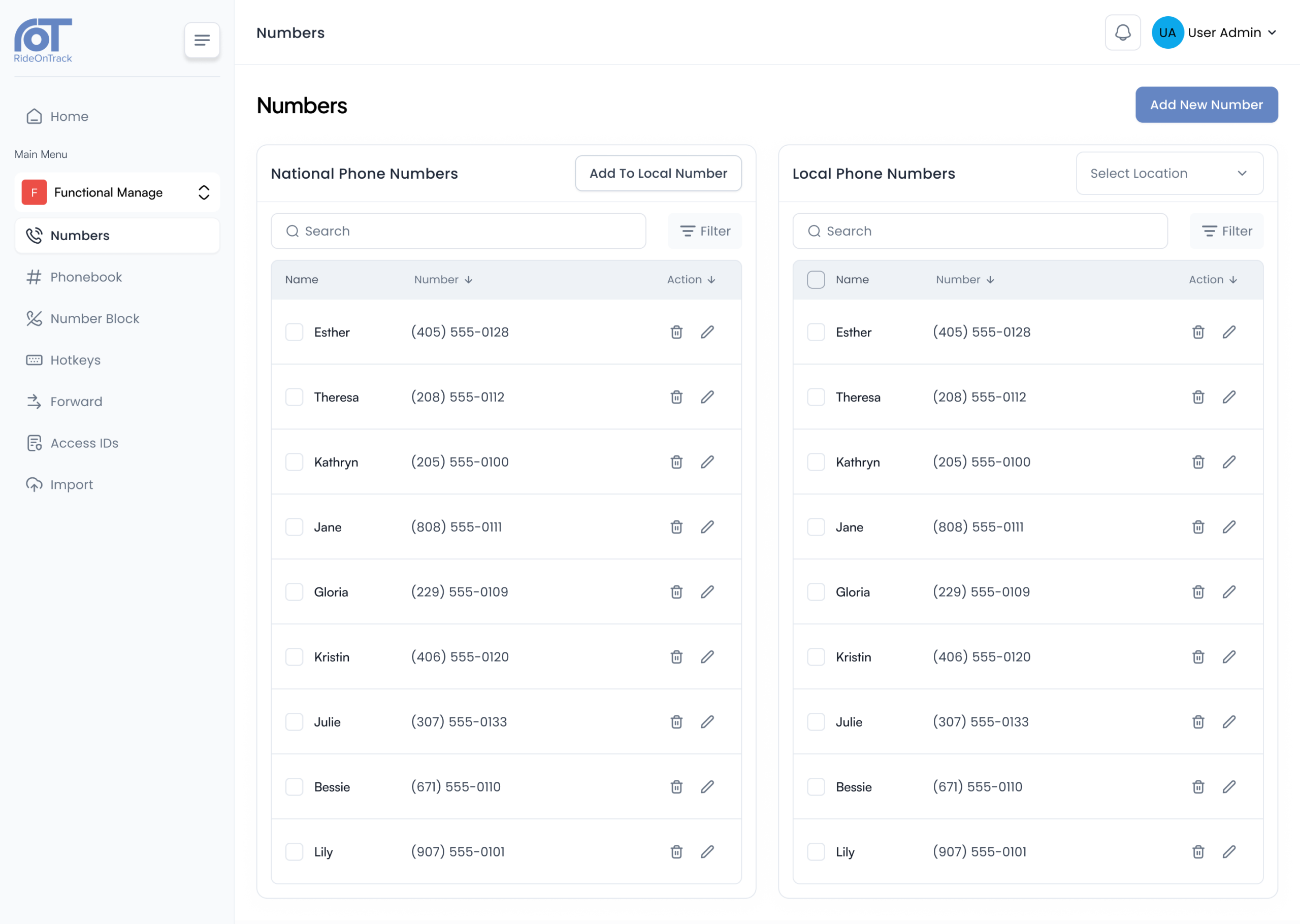
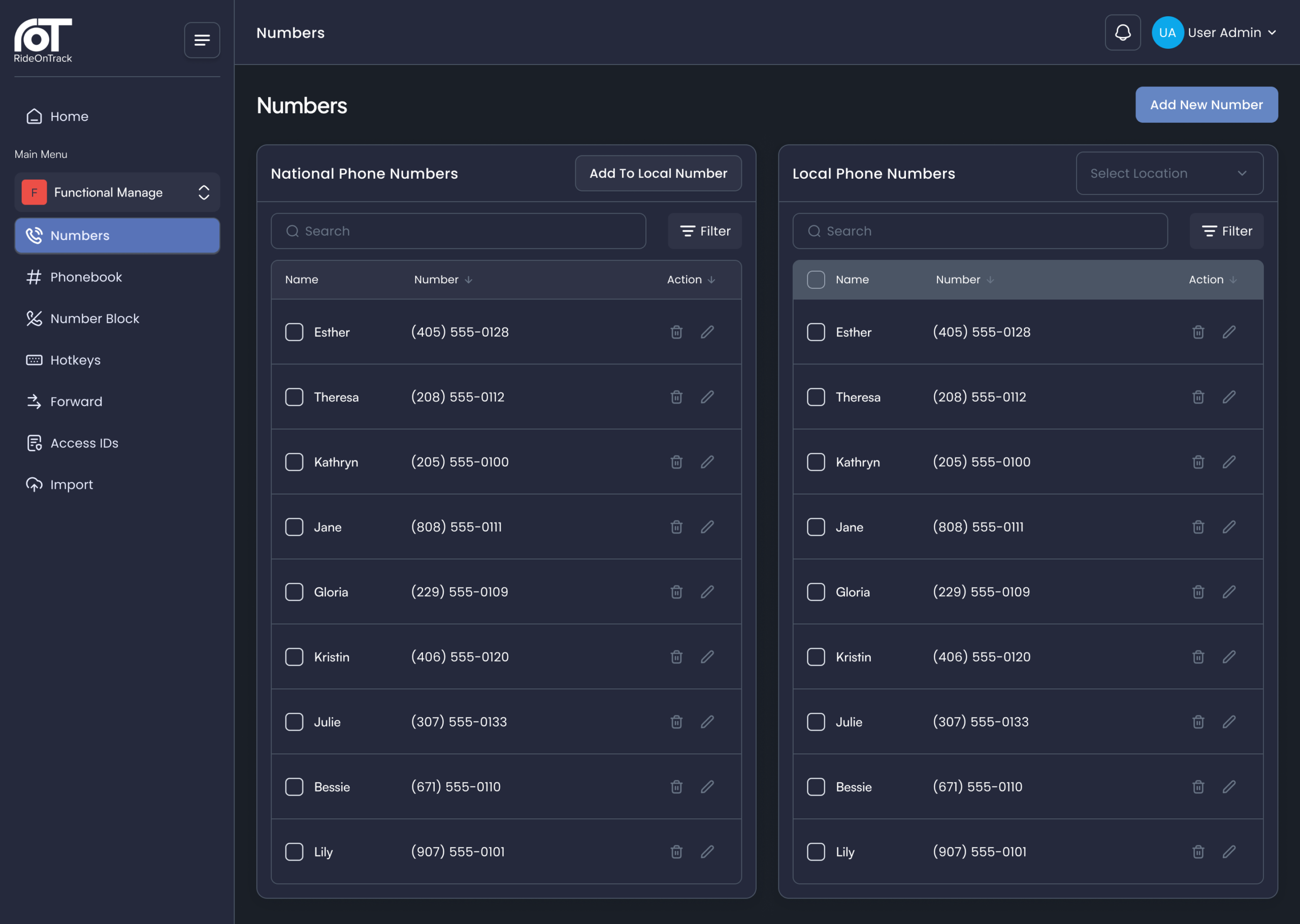
Numbers
A central repository for all numbers in your communication system. The system distributes national numbers system-wide, while users can assign local numbers to specific user groups or individual users, from general to granular.
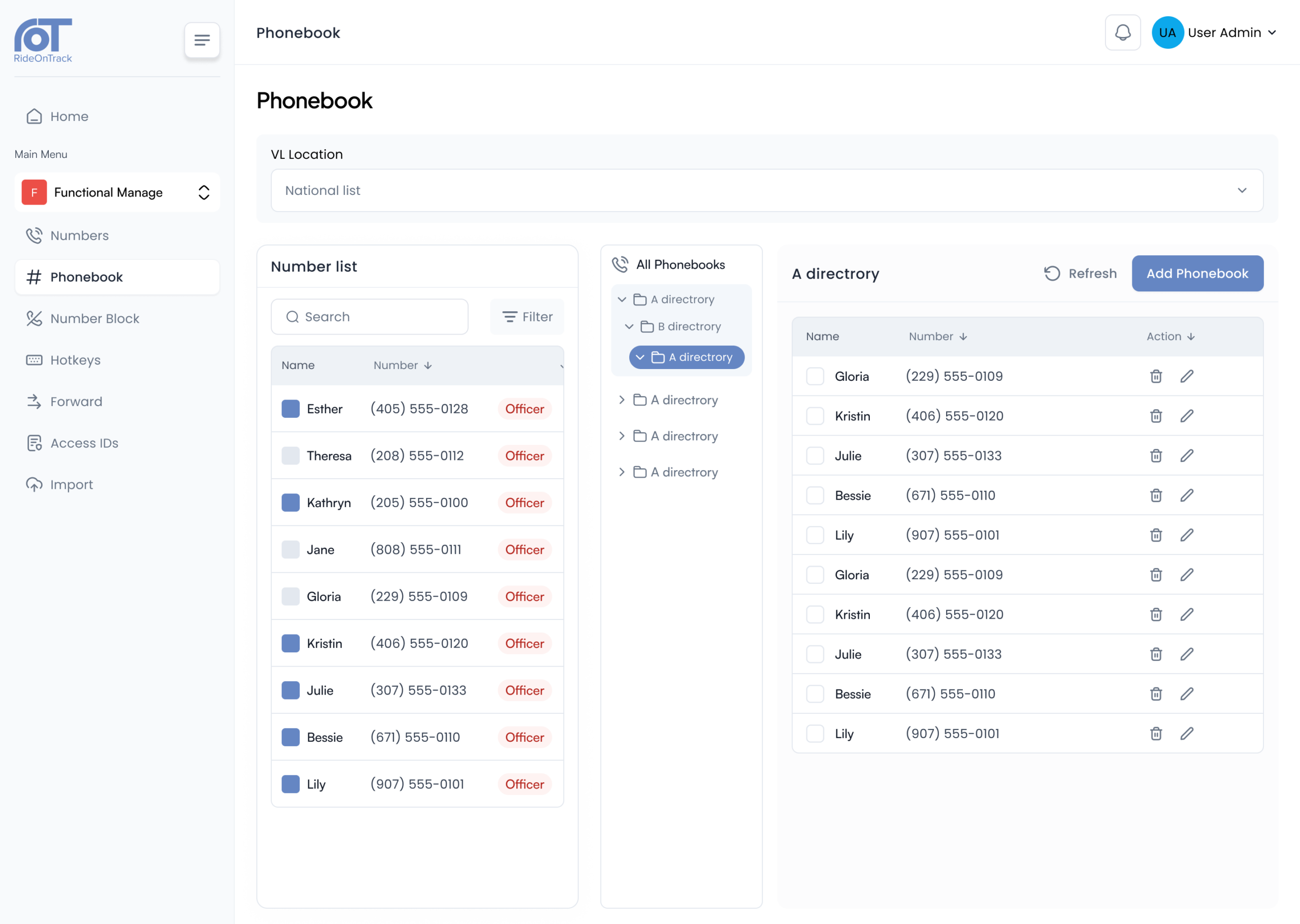
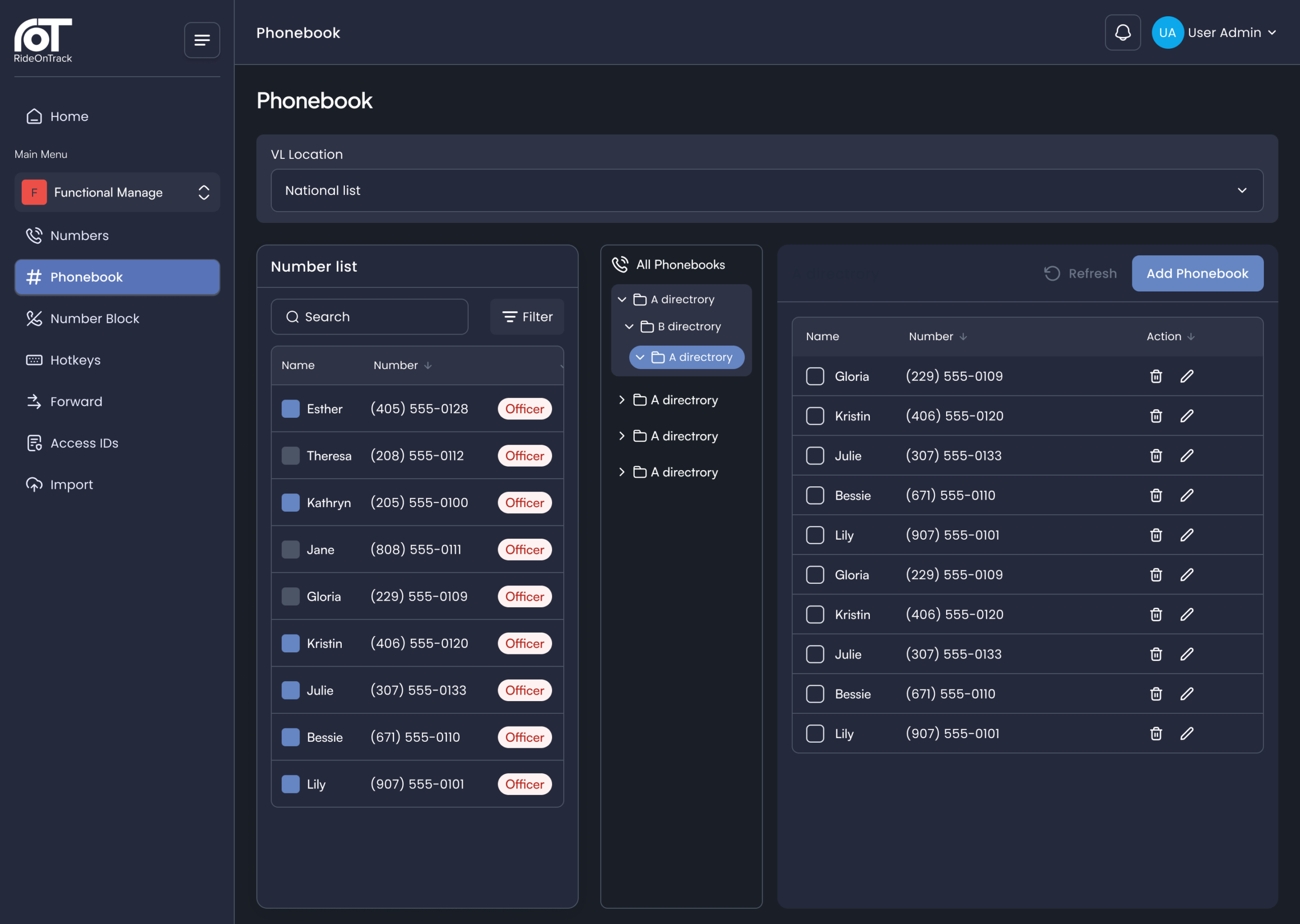
Phonebooks
The central repository contains numbers that are organised into structured phonebooks, with nested directories. The distribution of phonebooks is by location, function profile or, where required, to individual users.
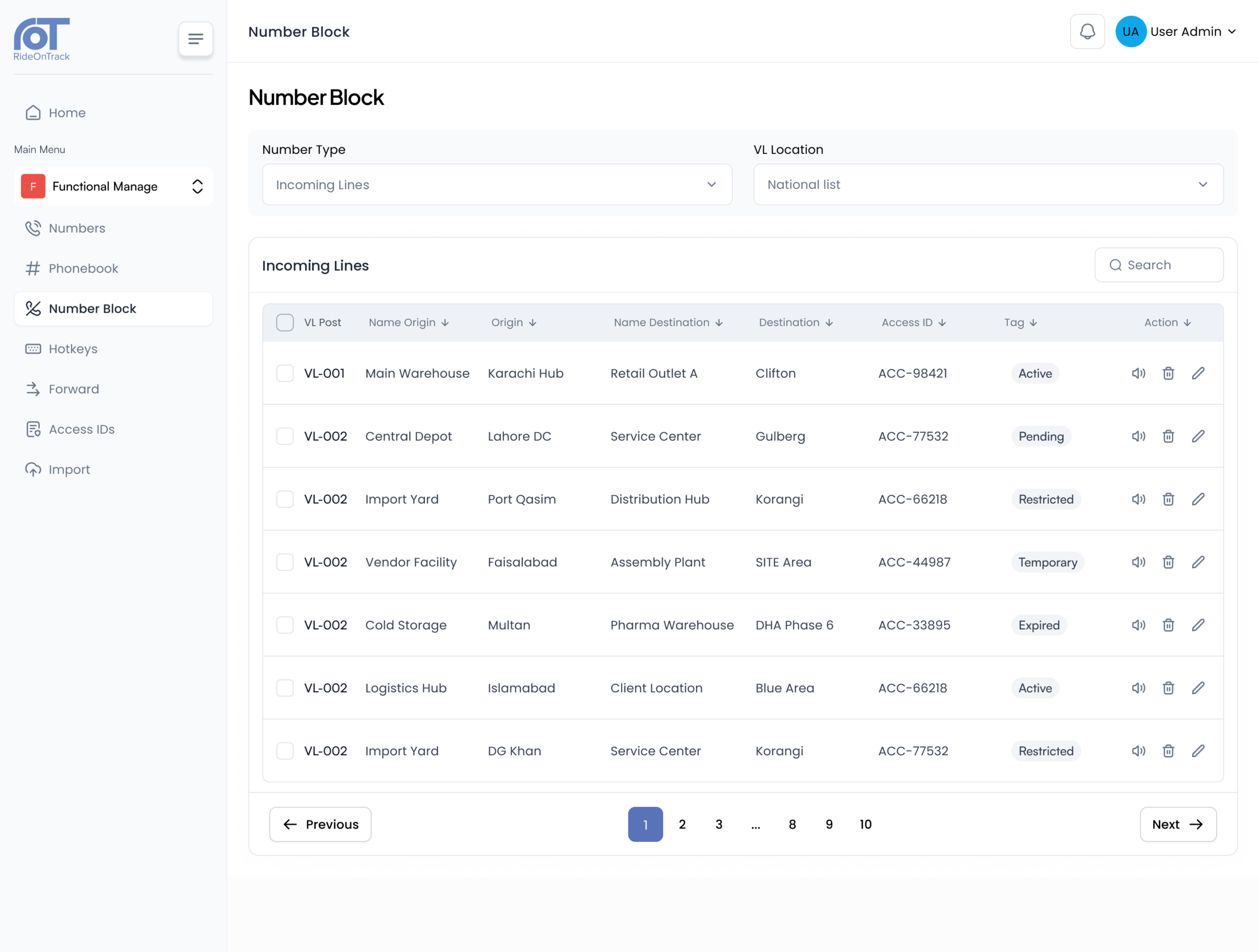
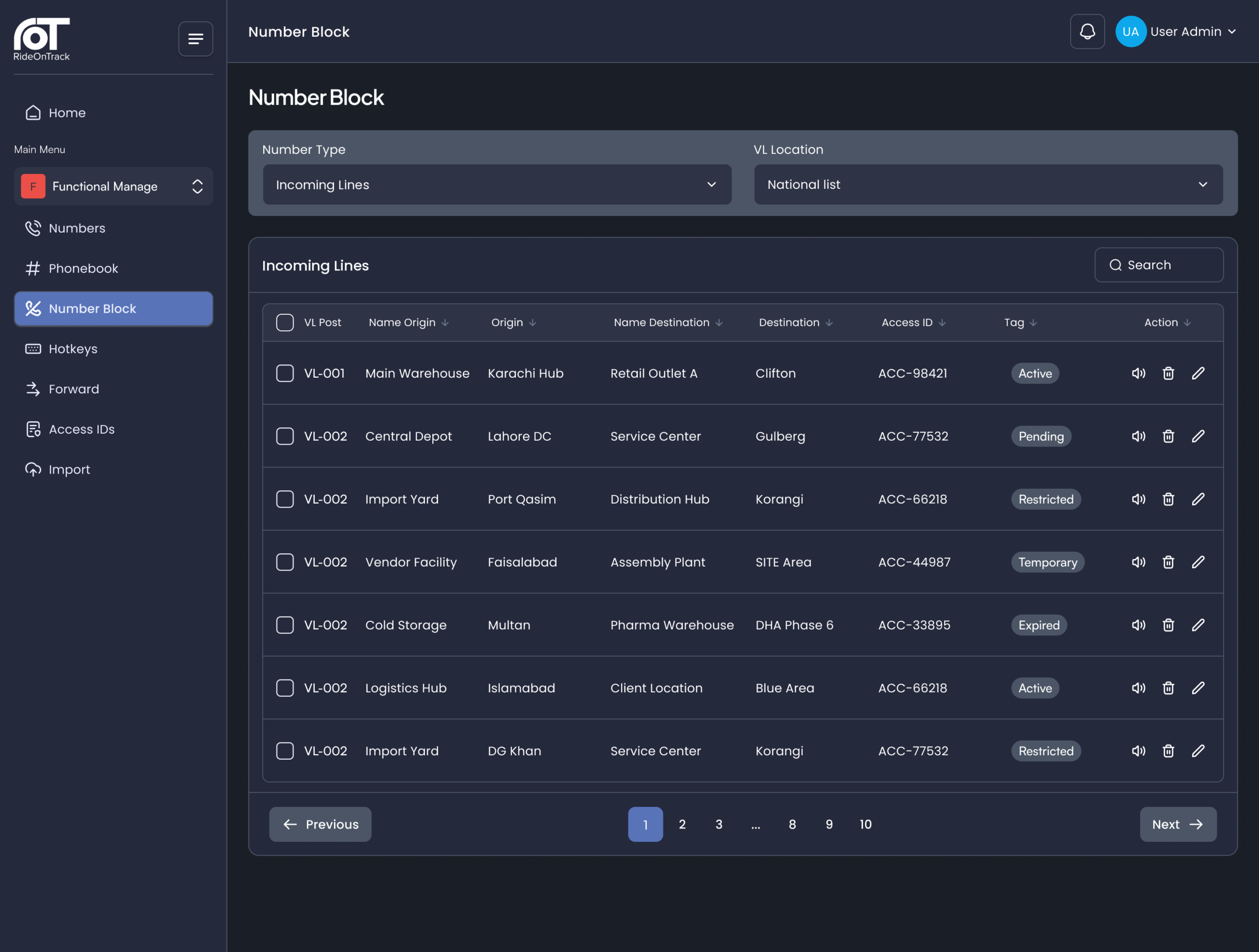
Incoming Lines
Additional inbound numbers can be assigned to an operator position or role, on top of its direct number. Calls to any of these numbers are directed to the assigned position, and the control room operator is able to see which number the caller has dialled, enabling them to provide an immediate, relevant response.
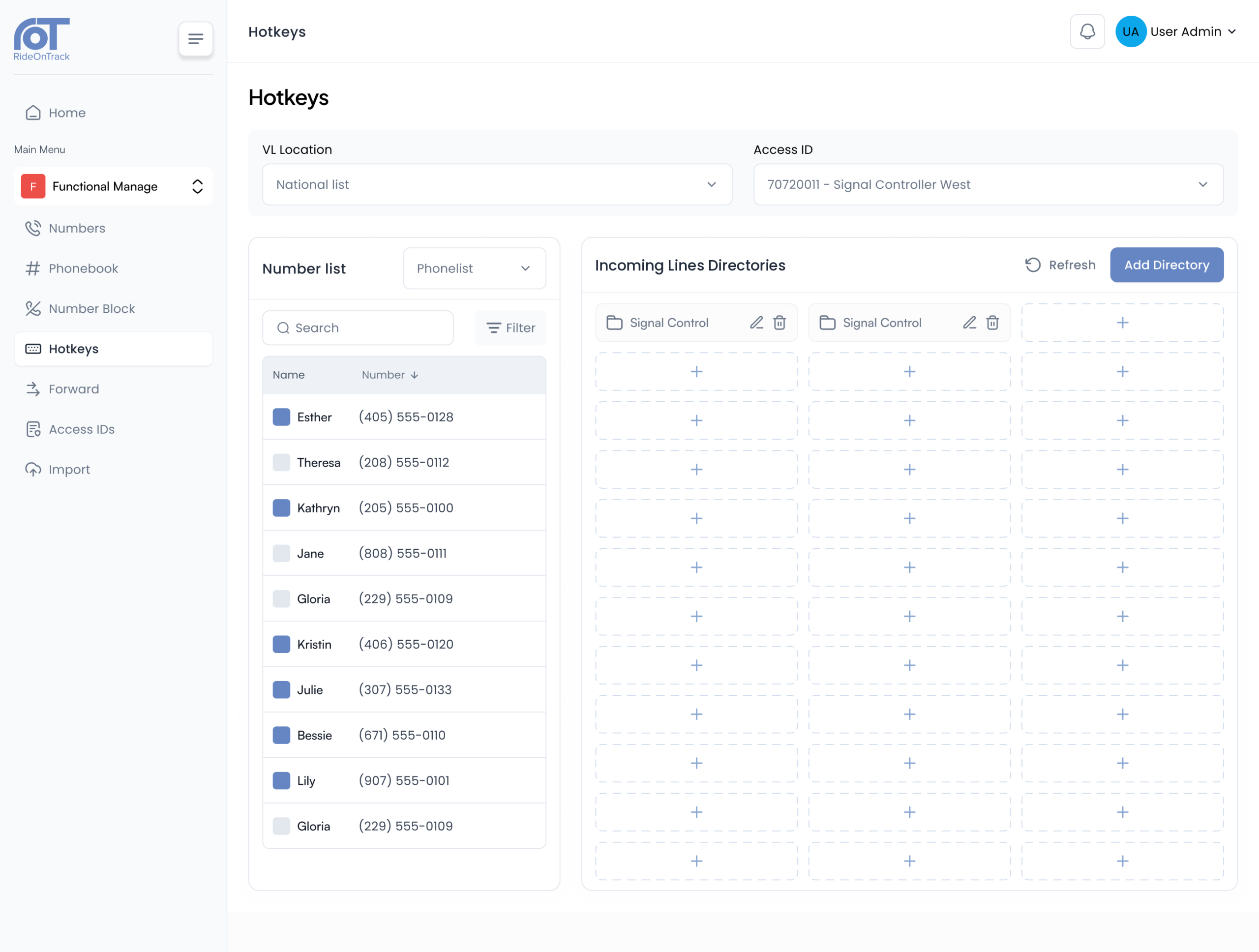
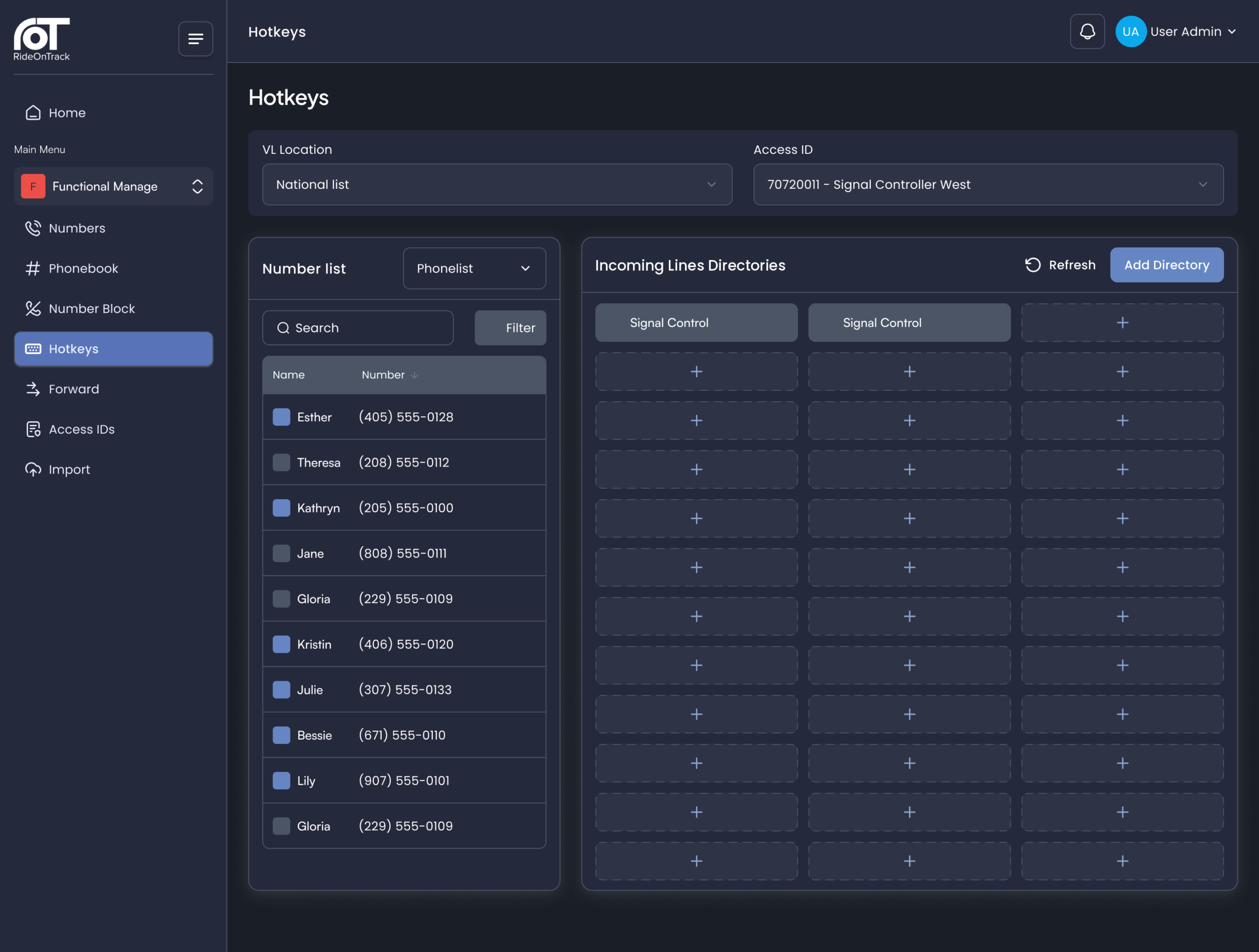
Hotkeys
A central set of hotkeys is defined by administrators for each location or role, while operators can add their own. These hotkeys are organised into colour-coded folders across multiple pages, making call types recognisable at a glance.
Forward
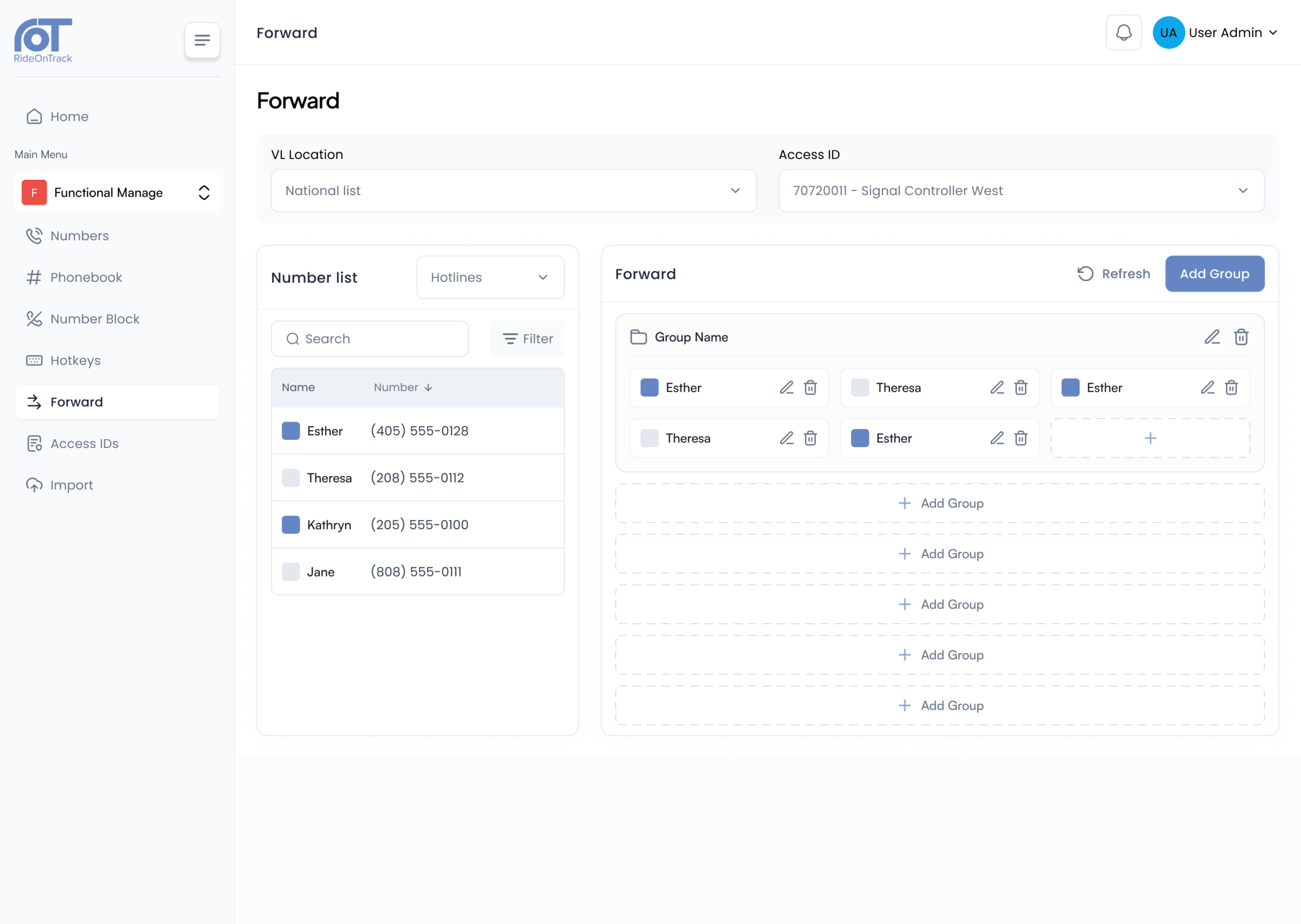
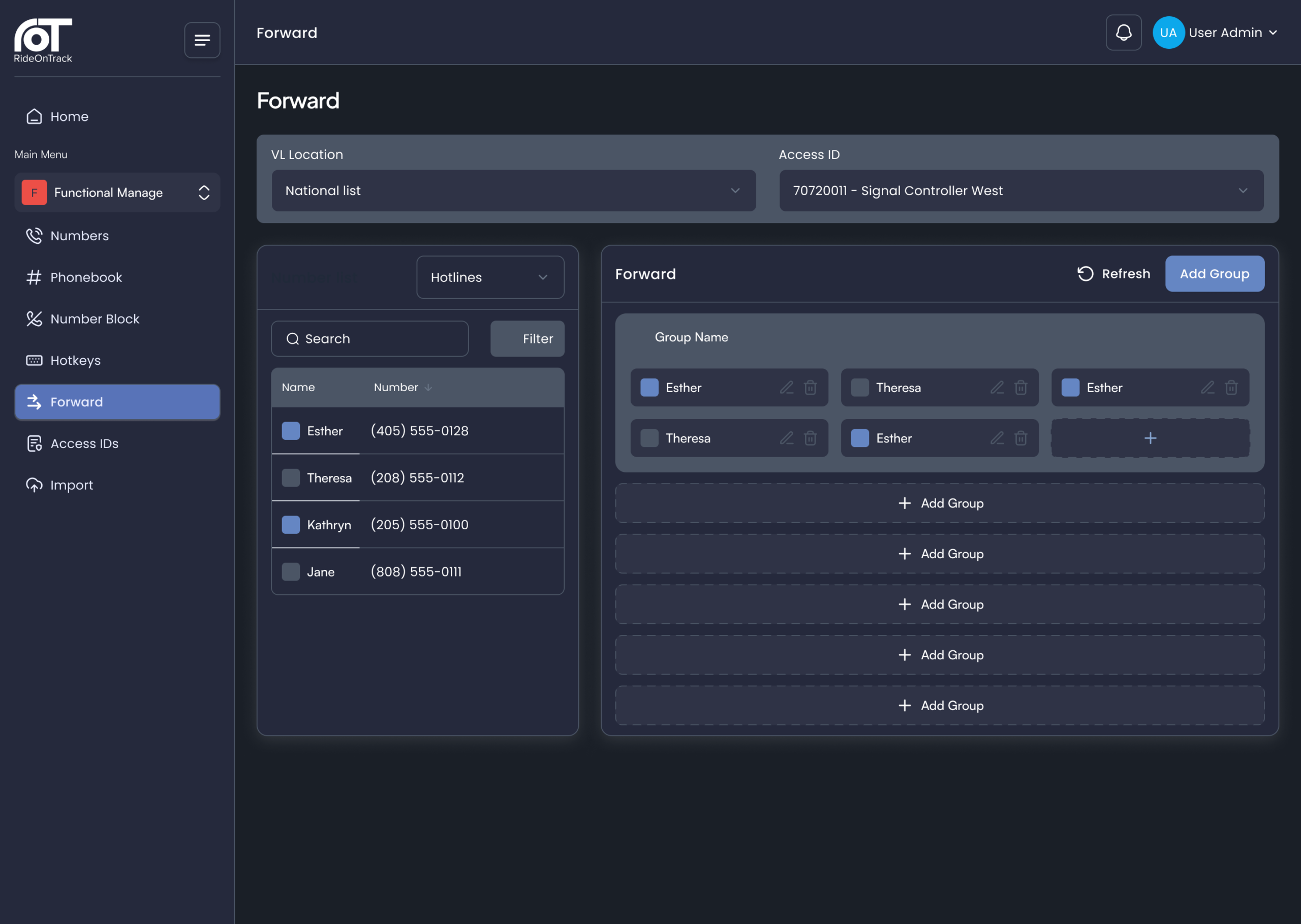
Forward destinations can be defined centrally from the number list and organised into groups by location or role. This ensures that control room operators always have access to the most up-to-date set of forward destinations.
Access IDs
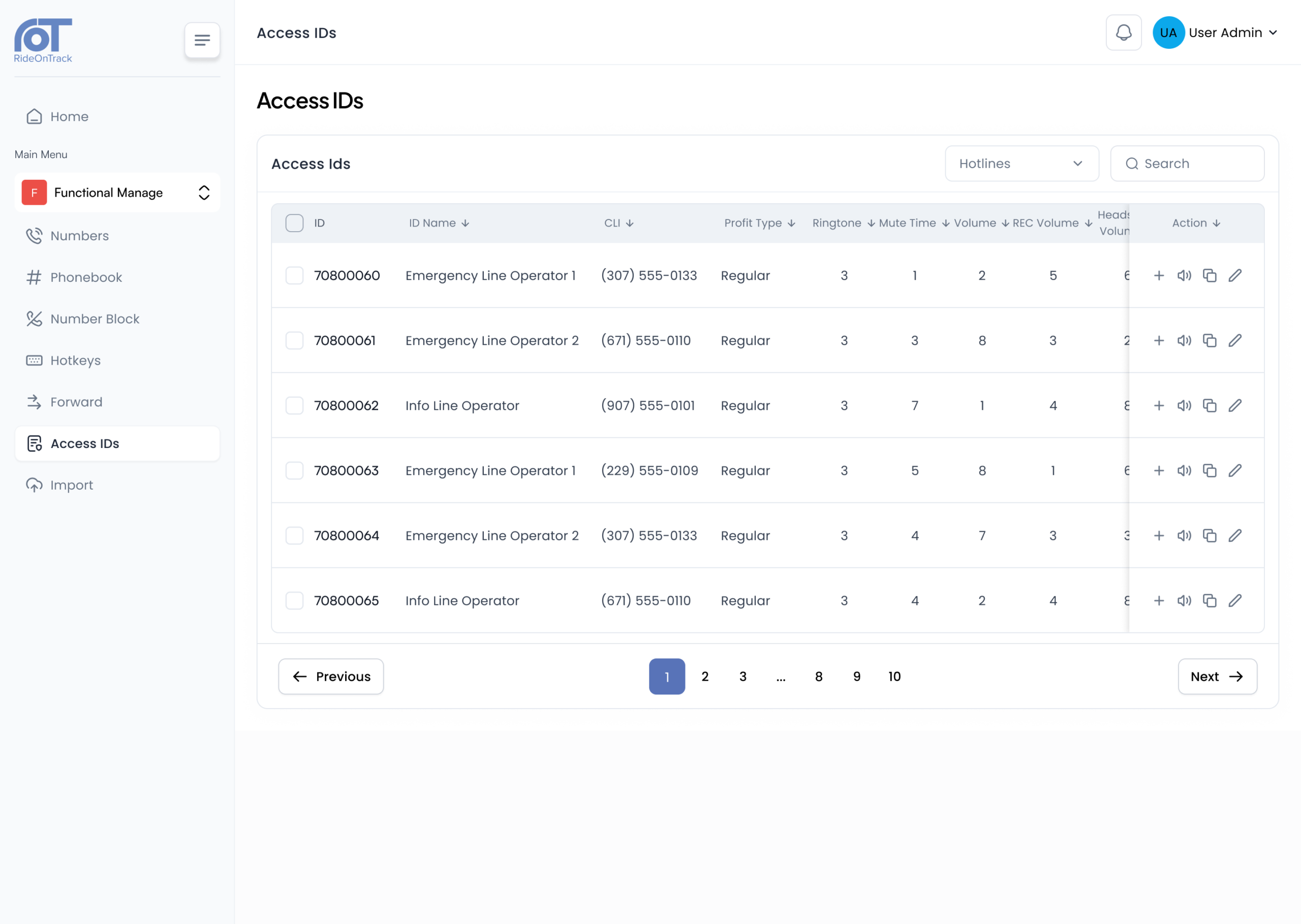
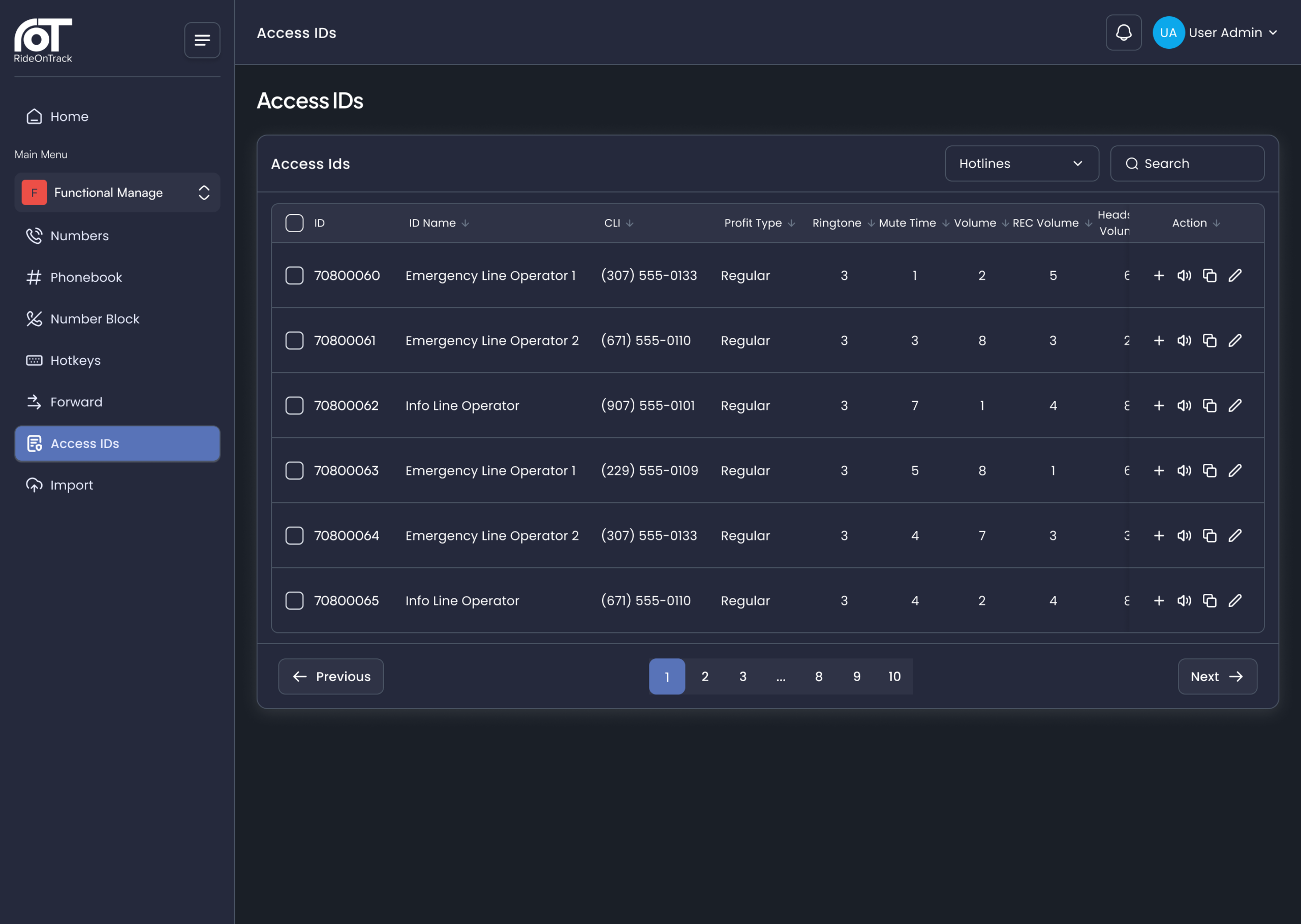
Each operator position is assigned an access ID with its own functional profile, which is managed centrally in UPM. This profile covers settings such as ringtone, ringing time, volume levels, maximum mute time, headset power and assigned radio lines. Existing profiles can be duplicated to ensure that new positions are configured quickly and consistently.
Review, release and import
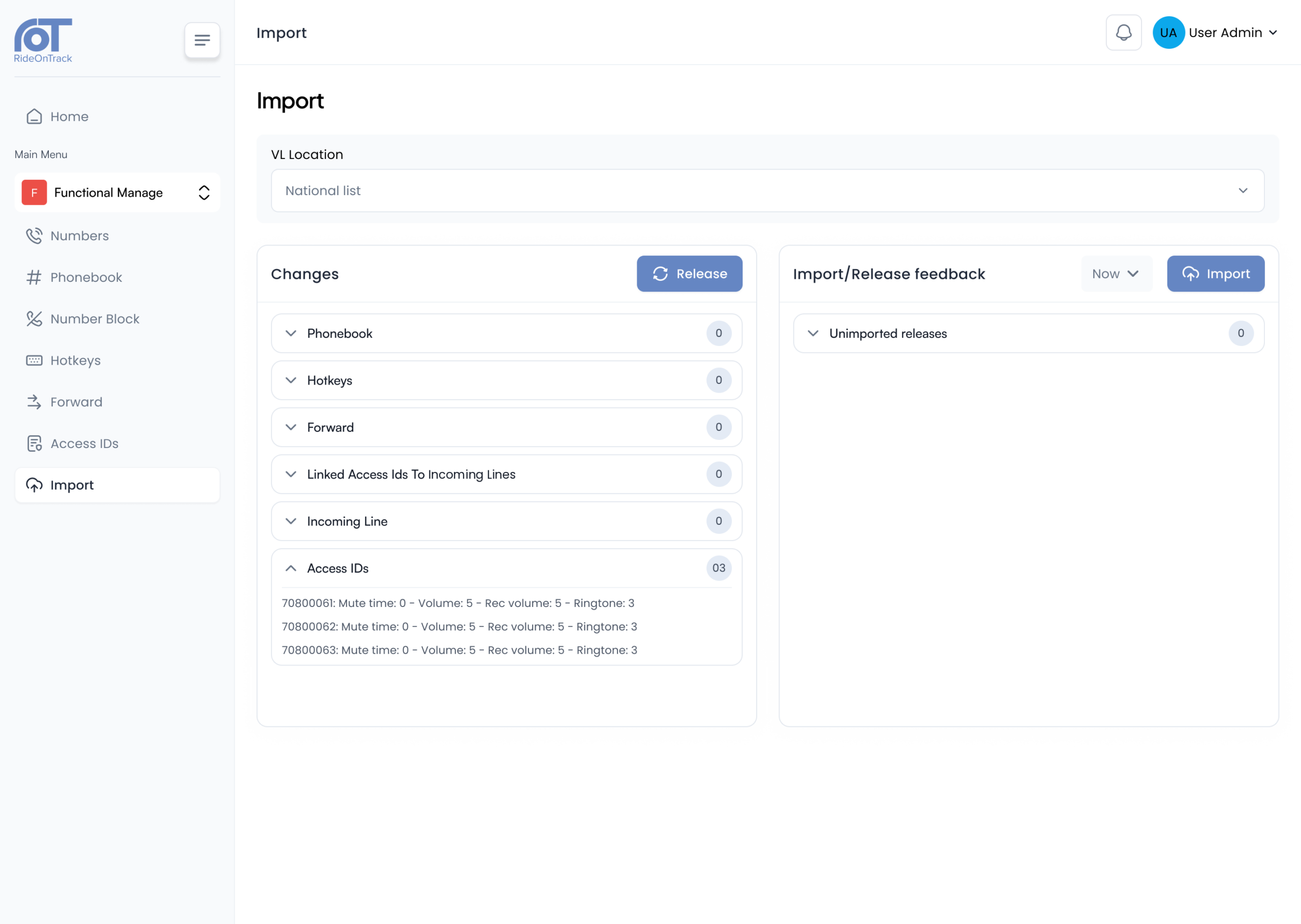
Each pending change is listed per category before release. Releases run sequentially in a queue and are imported immediately or at a scheduled time.
- Releases can be done per location
- Scheduled imports are cancellable
- No disruption for logged-in users
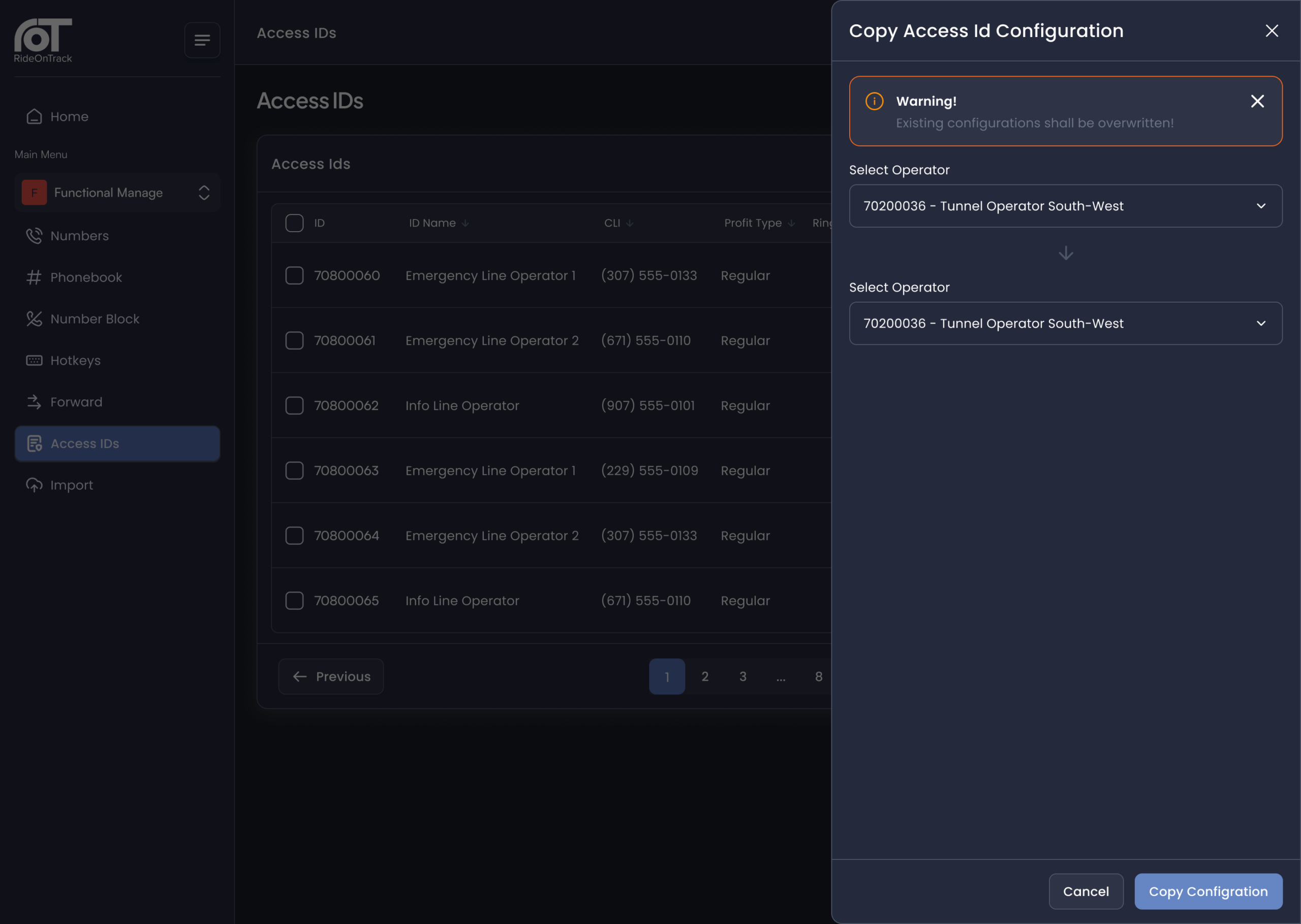
Copy configuration
The complete configuration of one access ID, including phonebooks, hotkeys, forward keys and linked lines, is copied to another access ID in one action. Hotkey folders are shared by reference, so one change applies everywhere.
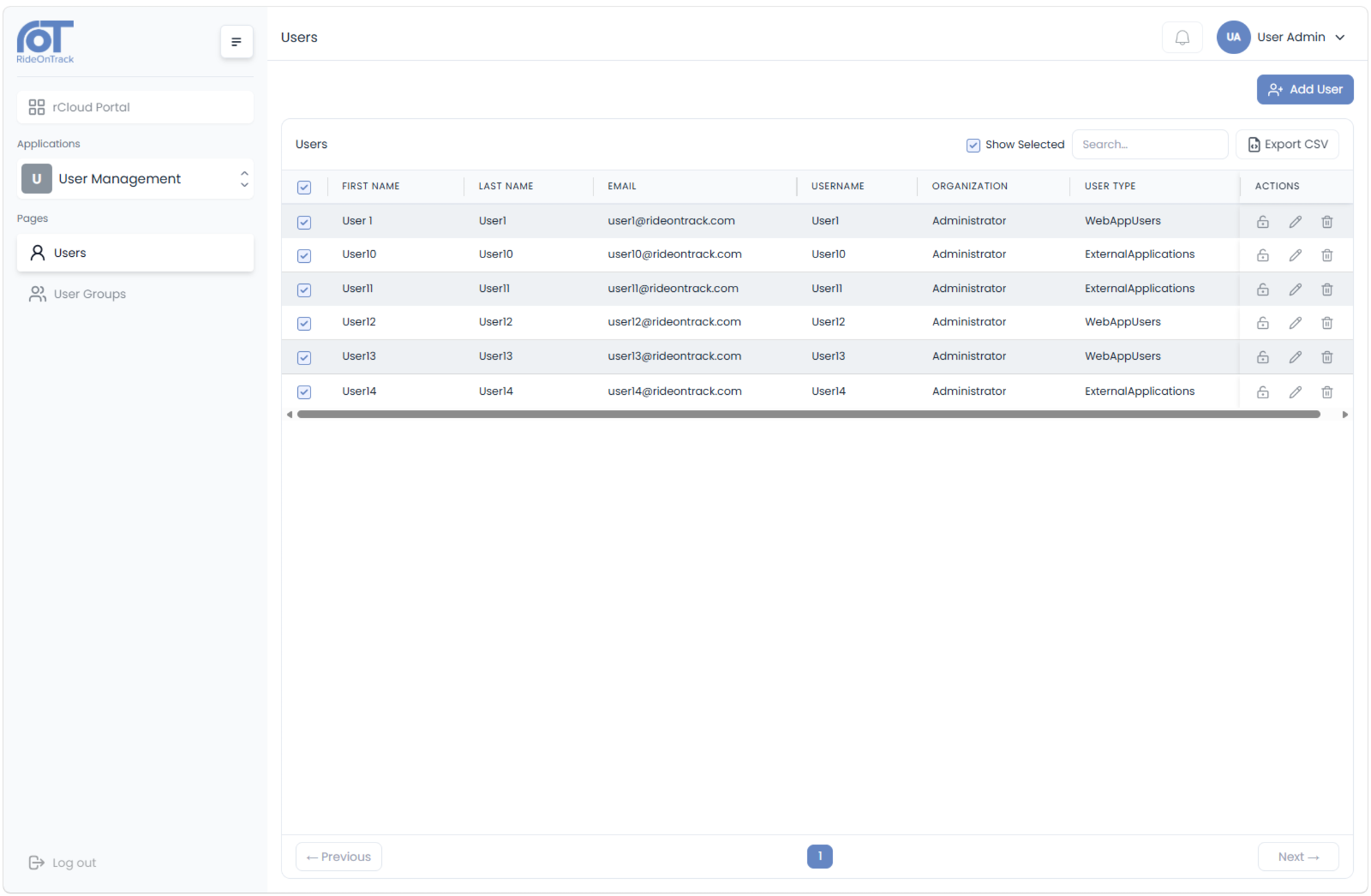
Access matched the responsibility
UPM works with fully configurable roles. Administrators define as many roles as the organisation requires and assign each one precisely the access rights it needs, from maintaining the phonebooks of a single control room to managing the complete configuration and user accounts. Roles are assigned centrally in User Management.
- Unlimited roles, each with its own set of access rights
- Configuration and phonebook visibility scoped per location or access ID
- Full audit trail: every release and import is logged with the responsible user
MCCS Supporting Applications
User & Phonebook Management is one of the supporting applications of RideOnTrack’s Mission-Critical Communication System.
Mission-Critical Communication System
The complete communication platform that unites dispatching, recording, user management and monitoring for Mission-Critical Operations.

MC-X Dispatcher
The next generation dispatching console for mission-critical control rooms, monitored in real time by VisionX.

Call & Recording Playback
Capture, Search, review and download every dispatching conversation through a secure web-based interface.

VisionX
The element manager that monitors and manages all MCCS components and terminals in real time from one central dashboard.

FAQ
-
MCCS UPM centralises the configuration of MCCS functions, including numbers, phonebooks, incoming lines, hotkeys, forward destinations and operator position profiles. All settings can be managed from one tool and distributed either system-wide or to specific locations, roles and users.
-
UPM is designed for teams responsible for the functional management of the MCCS, including control room supervisors, functional administrators, and coordinators. These teams maintain the configuration that operators rely on daily, without having to depend on technical specialists for routine changes.
-
No, imports run without interrupting logged-in operators. Changes are released either immediately or at a planned time, ensuring that updates never conflict with operational priorities.
-
The availability of numbers, names and number recognition is immediate after import. Settings for operator positions, such as ringtones and volume levels, will apply at the next login.
-
MCCS UPM automatically creates a backup every night and with every import. These backups are replicated to three redundant servers and retained, meaning that any configuration changes made during this period can be restored.
-
Through roles that can be fully configured. Each role is given precisely the rights it needs, whether that’s maintaining the phonebooks of a single control room or managing the entire system and its user accounts.
-
Yes, every release and import is logged alongside the responsible user, providing a full audit trail that aligns with ISO/IEC 27001 and NIS2 requirements.
-
Yes, configuration is defined once and distributed per location, role or user, so the administrative workload is not multiplied by adding control rooms, operator positions or numbers.
News
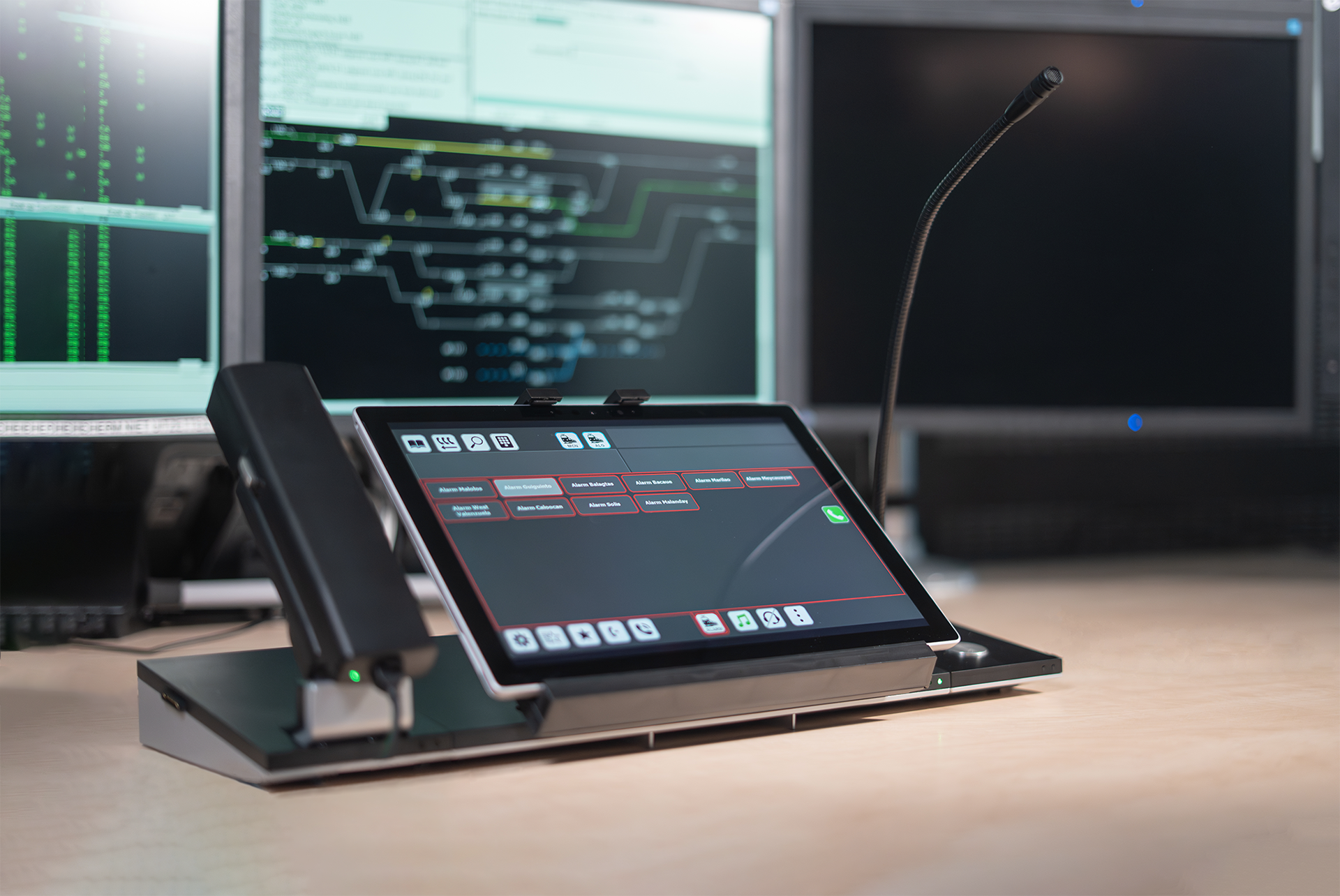
MC-X Dispatch Terminal recognised with European Patent
The European Patent Office recognises the modular design of RideOnTrack’s dispatching console for mission-critical control rooms.
Read more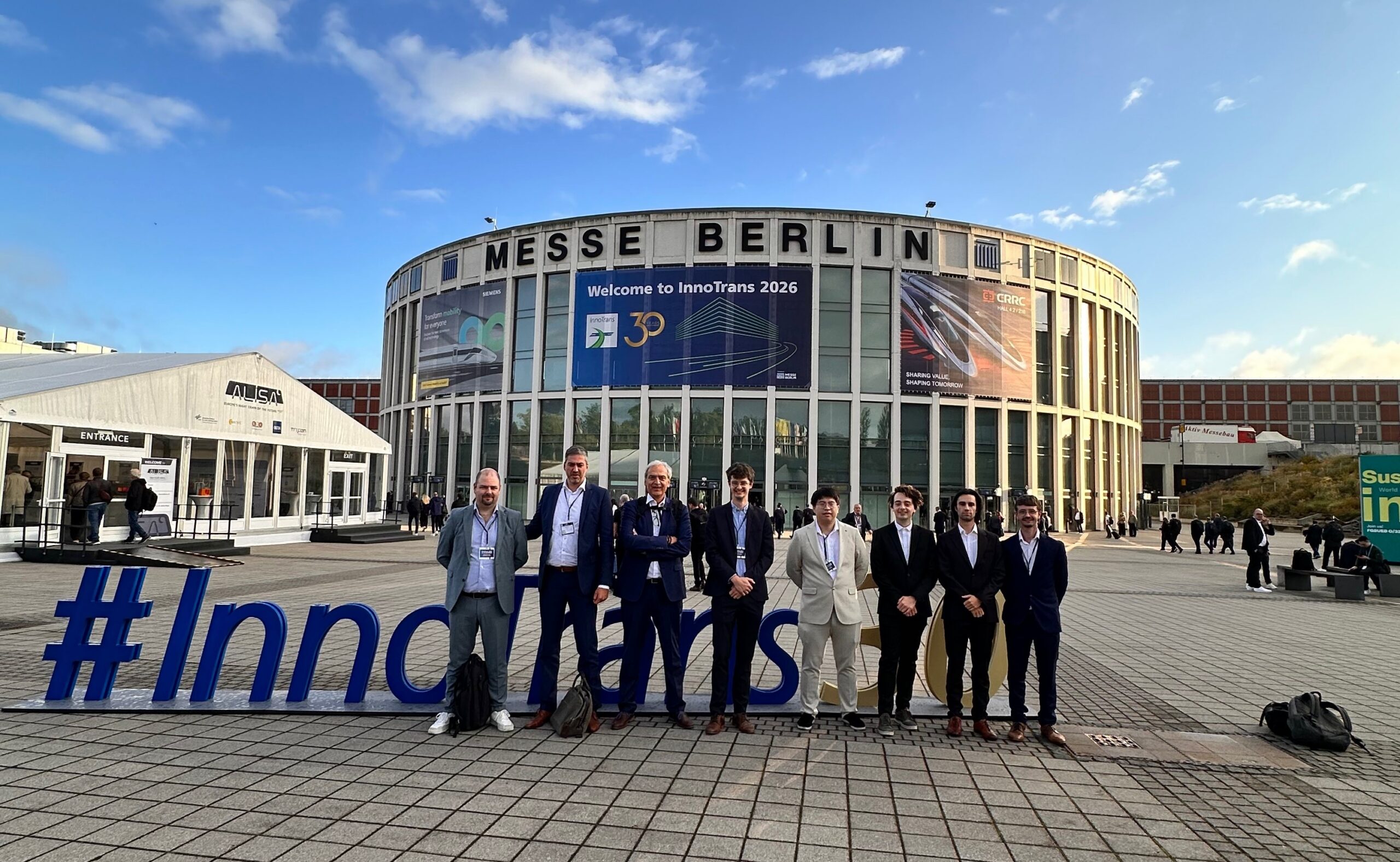
RideOnTrack at InnoTrans 2026: Four days of MCX/FRMCS at the heart of the global rail industry
RideOnTrack exhibited at InnoTrans 2026, the world’s leading trade fair for transport technology, with live MCX/FRMCS demonstrations, the launch of CodiTrack V2 and a new multi-year contract signing with Infrabel.
Read more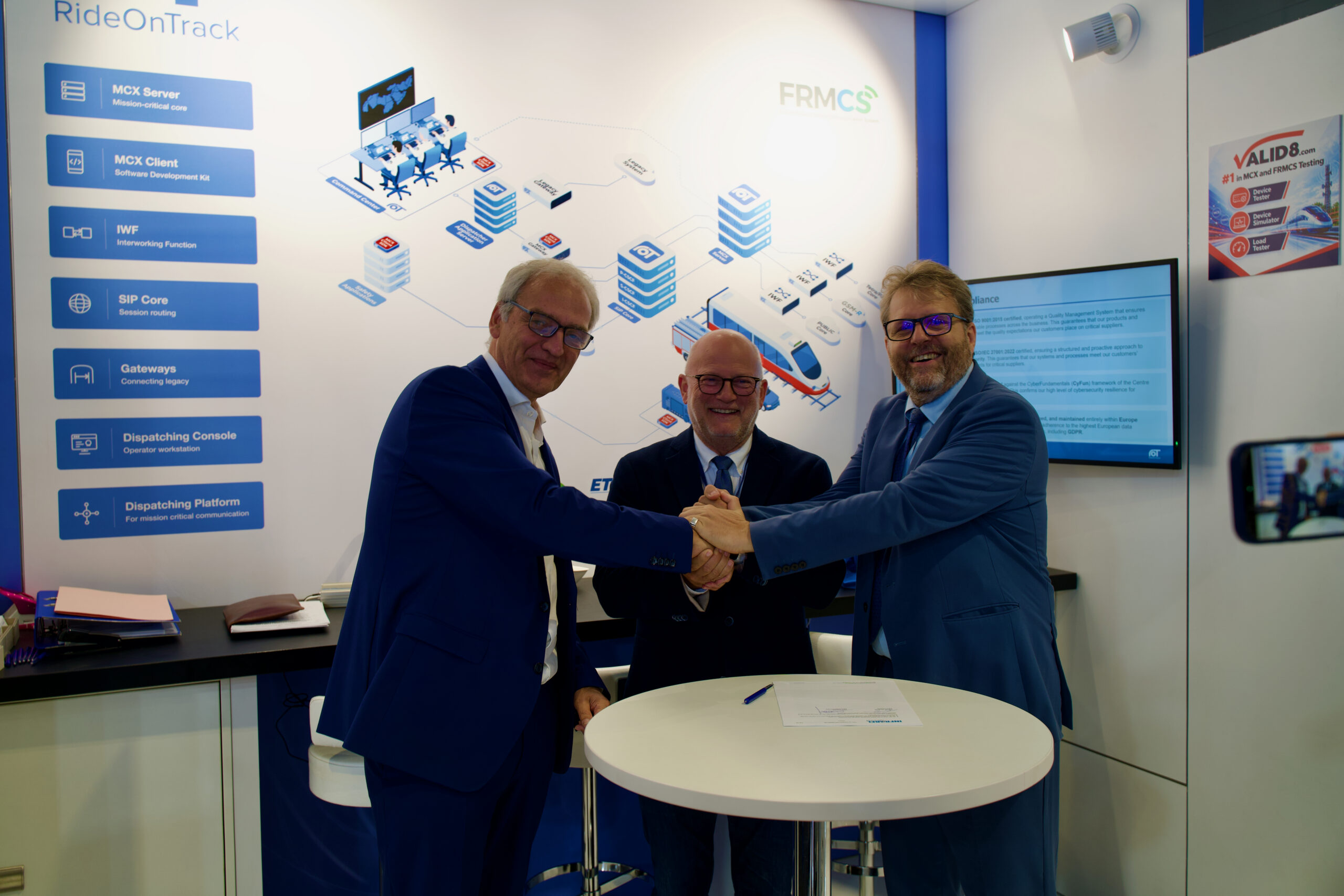
Infrabel and RideOnTrack Sign New Multi-Year Contract at InnoTrans 2026
RideOnTrack and Infrabel sign a new multi-year contract to modernize Belgium’s mission-critical rail communication, signed at InnoTrans 2026 in the presence of Infrabel CEO Benoît Gilson and Minister Jean-Luc Crucke.
Read more MC-X Dispatch Terminal recognised with European Patent
The European Patent Office recognises the modular design of RideOnTrack’s dispatching console for mission-critical control rooms.
Read more RideOnTrack at InnoTrans 2026: Four days of MCX/FRMCS at the heart of the global rail industry
RideOnTrack exhibited at InnoTrans 2026, the world’s leading trade fair for transport technology, with live MCX/FRMCS demonstrations, the launch of CodiTrack V2 and a new multi-year contract signing with Infrabel.
Read more Infrabel and RideOnTrack Sign New Multi-Year Contract at InnoTrans 2026
RideOnTrack and Infrabel sign a new multi-year contract to modernize Belgium’s mission-critical rail communication, signed at InnoTrans 2026 in the presence of Infrabel CEO Benoît Gilson and Minister Jean-Luc Crucke.
Read more